Your home Wi-Fi is your family’s digital front door. Just like you childproof physical spaces, securing your network is essential. Start with your router. Change the default password immediately. It’s the easiest and most important step.
Next, enable WPA3 encryption in your settings. This scrambles data, making it much harder for outsiders to access. Then, create a separate guest network. Connect all your kids’ devices—phones, tablets, gaming consoles—to this network. It keeps their traffic away from your personal computers and smart home gadgets.
Now, use your router’s built-in tools. Set up content filtering to block inappropriate websites. Schedule “internet bedtimes” to automatically pause access overnight. These network-level controls work on every connected device, giving you a powerful safety net.
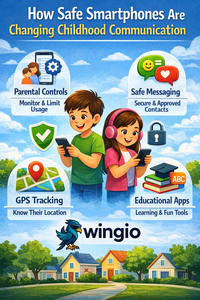
Don’t forget the devices themselves. Use built-in parental controls like Apple’s Screen Time or Google Family Link. For a kids first phone or the best tablet for kids in the UK, set these up during the initial unboxing. It’s the perfect teaching moment about digital responsibility.
In the UK, your internet provider can help. Companies like BT and Sky include strong parental controls in their hub apps. Use them! And when choosing a mobile plan for a kids phone UK, pick a network with free, robust filtering options.
This isn’t about spying. It’s about creating a safe space for kids to learn and explore. For more detailed guides on choosing safe tech and managing screen time, visit us at https://www.mywingio.com/. We help you build good digital habits from the start.
The goal is smart oversight, not just restriction. A secure network lets you breathe easier, knowing your kids have room to grow safely online. Start with your router tonight—it’s the 20-minute project that brings lasting peace of mind.